Write first, organize never
Apioni is a block editor, so a note is a stack of paragraphs, headings, lists and quotes you can reorder by dragging. Nothing has to be filed before it is useful.
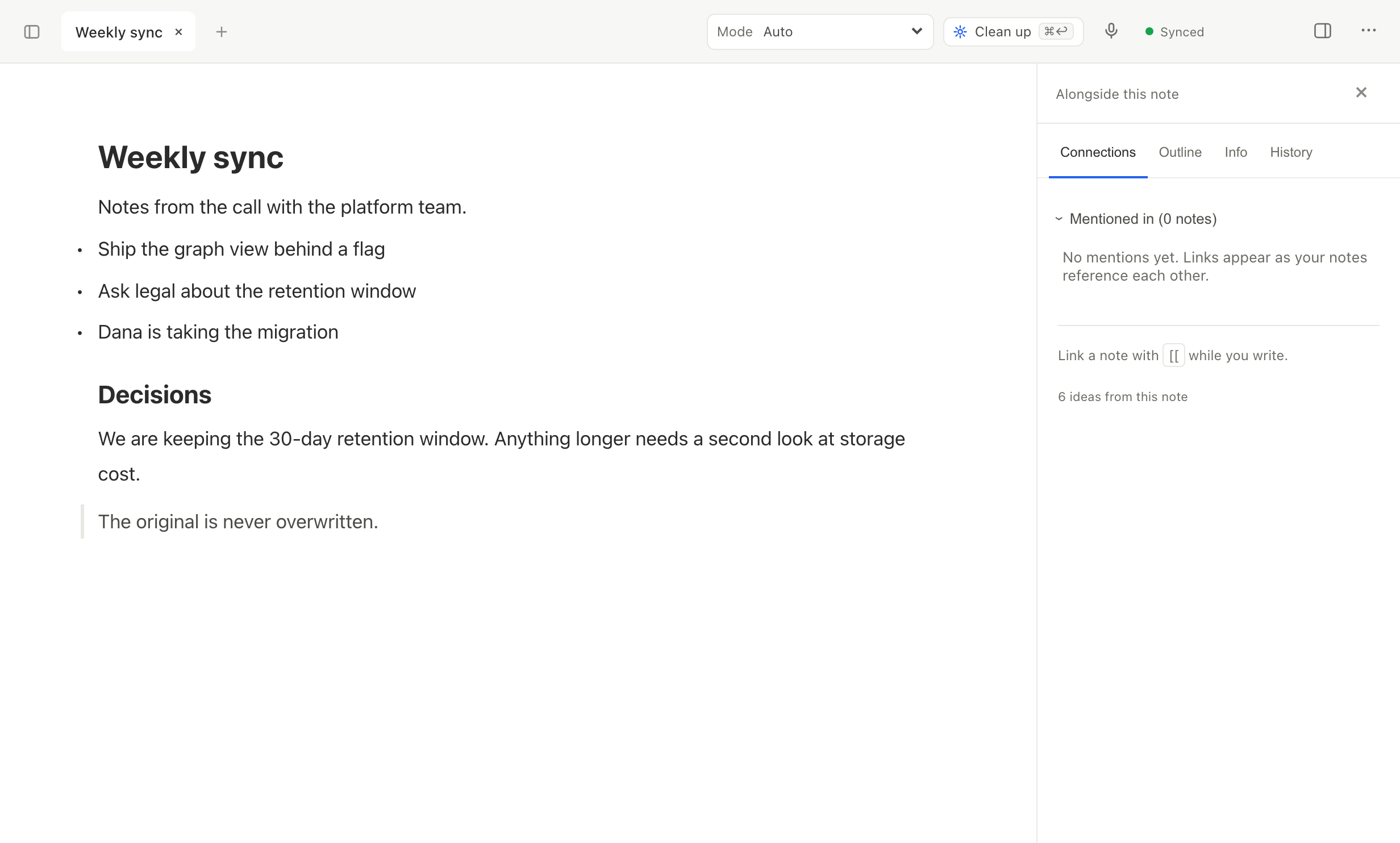
- Type "/" anywhere to insert a heading, list, quote, divider or table.
- Select text to get a toolbar for bold, italic, highlight and links.
- Drag any block by its handle to move it without losing its formatting.
- Paste from anywhere and the structure survives — headings stay headings.
Before AI changes your text, Apioni stores the original for compare and restore.
Works with
Recent changes here
- addedYou can export every note as an Obsidian vault, with your folders, links and attachments.
- addedThe editor has a slash menu, a selection toolbar and drag handles for moving blocks.
- fixedExport and import work again, and your first keystrokes in a new note are no longer lost.
- addedWriting happens in blocks, so you can move a paragraph without losing its formatting.
Questions
- Do I have to organize notes into folders?
- No. Write first — the people, projects and topics inside a note become objects on their own, and search runs on meaning as well as words. Folders exist if you want them.
- Does AI touch what I type as I type it?
- No. Processing runs after you write. Before an AI edit is applied, Apioni stores the original for compare and restore.
- What happens to formatting when I paste from somewhere else?
- Headings stay headings, lists stay lists. Styling that would fight the editor is dropped so the note stays consistent.
- Can I get my notes back out?
- Yes — Markdown (.md), Word (.docx), PDF, HTML, JSON (blocks), and Obsidian vault (.zip), any time, without asking anyone.