Your notes now build a knowledge layer you can browse as objects, a graph and a timeline.
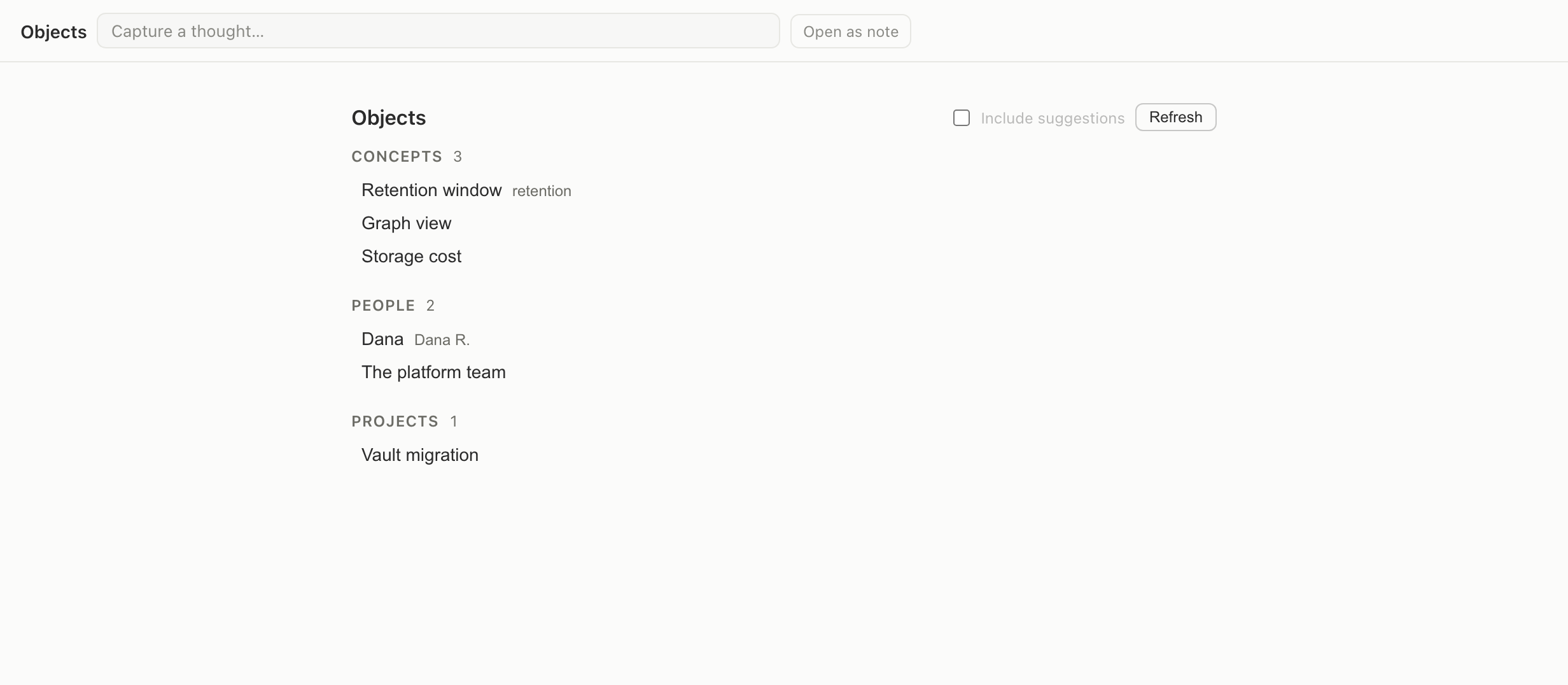
Notes are broken into atoms, and the people, projects and concepts inside them become objects you can open in three new views.
Open objectsYou need to be signed in.
What it does
When a note is processed, it is split into atoms — single ideas, each still bound to the sentence it came from. Names, projects and recurring concepts are pulled out of those atoms and become objects.
Three ways to walk it
- Objects lists every person, project and concept, with the notes that mention it.
- Graph draws the relations between them, and you can widen or narrow the depth.
- Timeline puts everything back in the order it arrived.
Nothing here replaces your notes. Every object points back at the sentence that produced it, so you can always check the source.